> ## Documentation Index
> Fetch the complete documentation index at: https://xata.io/docs/llms.txt
> Use this file to discover all available pages before exploring further.
# Account Management
> Manage your account settings, profile, and authentication preferences
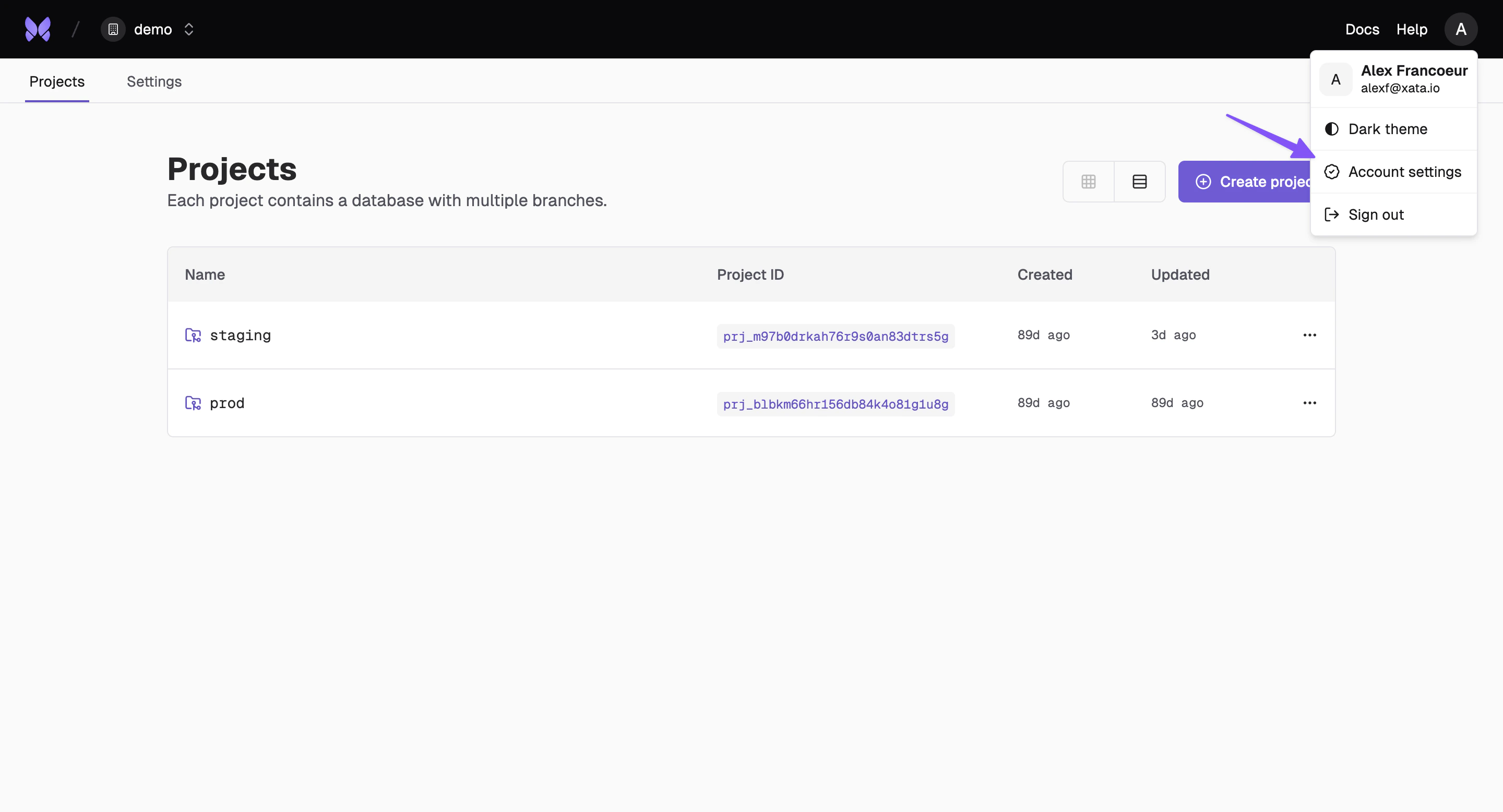 ## Overview
Your Xata account is the foundation of your database management experience. From here, you can update personal information and create personal API keys.
## Profile Settings
Update your personal information and contact details in the profile section of your account settings.
## Overview
Your Xata account is the foundation of your database management experience. From here, you can update personal information and create personal API keys.
## Profile Settings
Update your personal information and contact details in the profile section of your account settings.
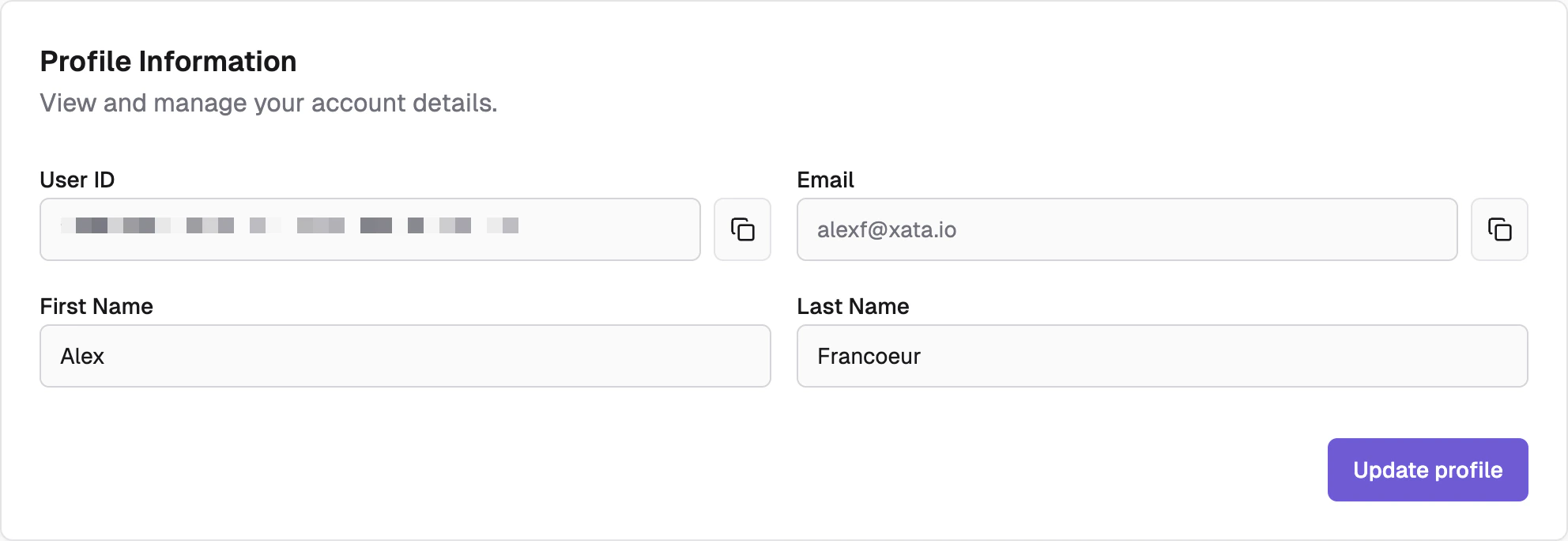 * **User ID**: Your unique user ID for the platform
* **Email**: Primary contact email
* **First Name**: Your first name
* **Last Name**: Your last name
## Authentication Settings
Configure authentication and security preferences for access.
* **User ID**: Your unique user ID for the platform
* **Email**: Primary contact email
* **First Name**: Your first name
* **Last Name**: Your last name
## Authentication Settings
Configure authentication and security preferences for access.
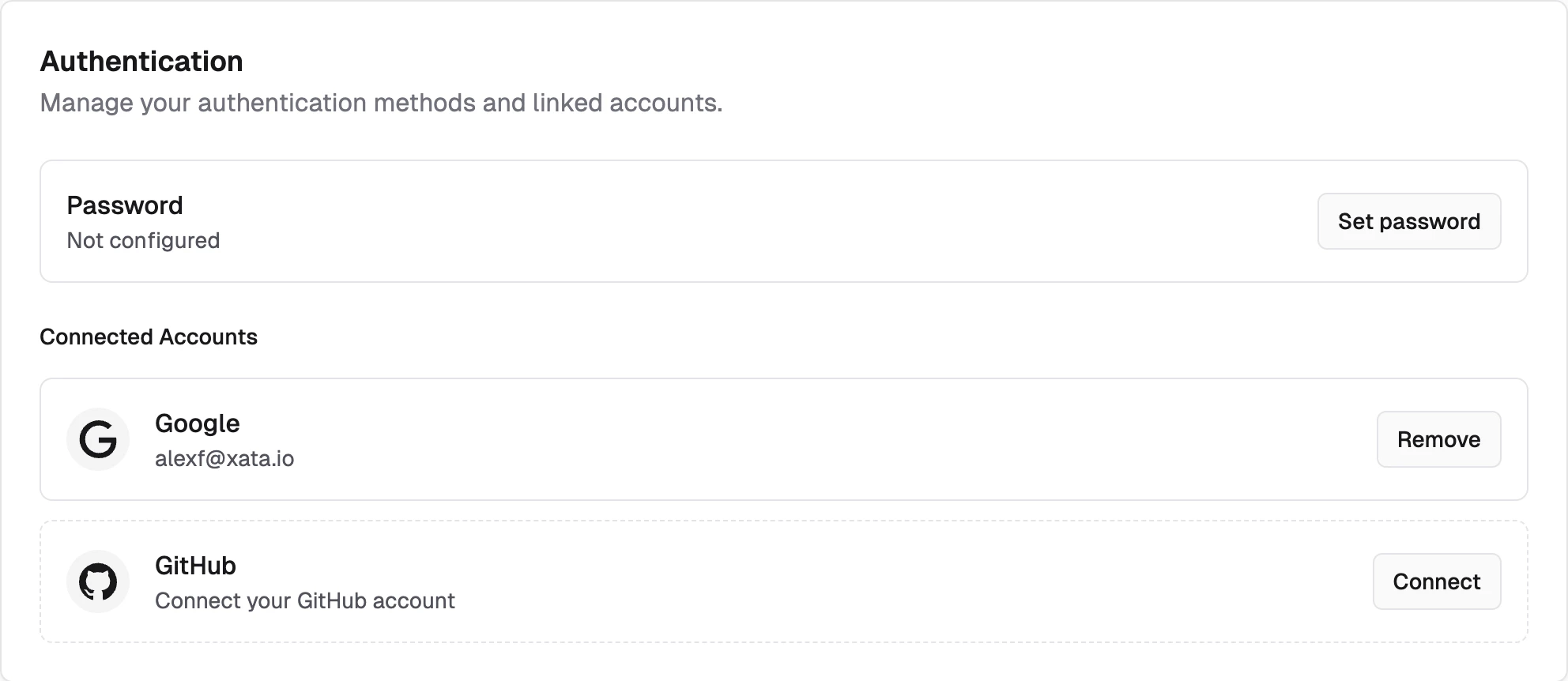 * **Password**: Set and change your account password
* **Google**: Log in with Google SSO
* **GitHub**: Log in with GitHub SSO
* **Passkey**: Register a passkey on your device. Passkeys can be used for passwordless sign-in as a primary authentication method, or as a second factor after a password login.
## Active Sessions
View and manage your active sessions across different devices and locations.
* **Password**: Set and change your account password
* **Google**: Log in with Google SSO
* **GitHub**: Log in with GitHub SSO
* **Passkey**: Register a passkey on your device. Passkeys can be used for passwordless sign-in as a primary authentication method, or as a second factor after a password login.
## Active Sessions
View and manage your active sessions across different devices and locations.
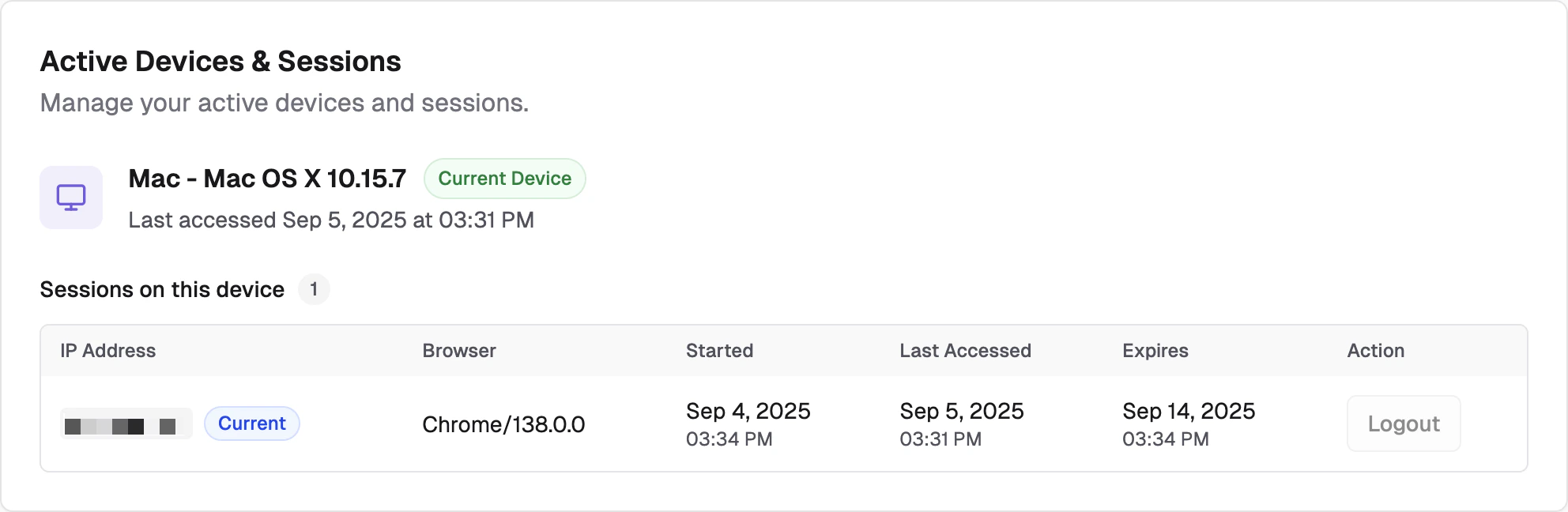 * **Current Sessions**: View all active login sessions
* **Metadata**: View IP, browser, session start, last access and expiration time
* **Action**: Logout of unwanted sessions
## Account Delete
Deleting an account will delete all organizations, projects and branches underneath it. Please contact [support](https://xata.io/contact-support) for assistance.
* **Current Sessions**: View all active login sessions
* **Metadata**: View IP, browser, session start, last access and expiration time
* **Action**: Logout of unwanted sessions
## Account Delete
Deleting an account will delete all organizations, projects and branches underneath it. Please contact [support](https://xata.io/contact-support) for assistance.