> ## Documentation Index
> Fetch the complete documentation index at: https://xata.io/docs/llms.txt
> Use this file to discover all available pages before exploring further.
# Organizations
> Collaborate with your team in a shared organization
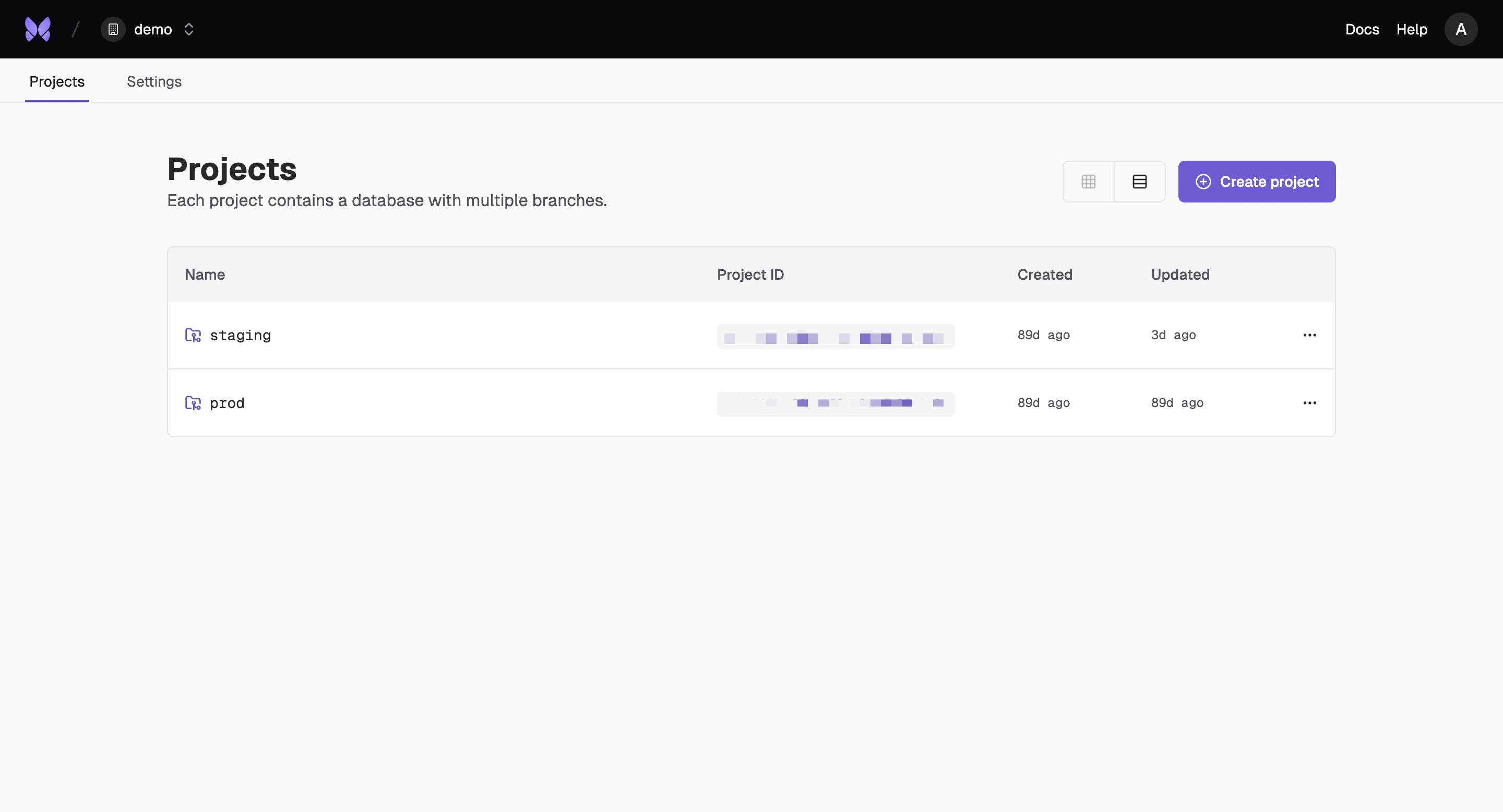
## What is an Organization?
An organization is a hierarchical structure that supports multiple projects, each with their own database and branches. You can invite members to an organization and projects, and this is the entity you are billed on.
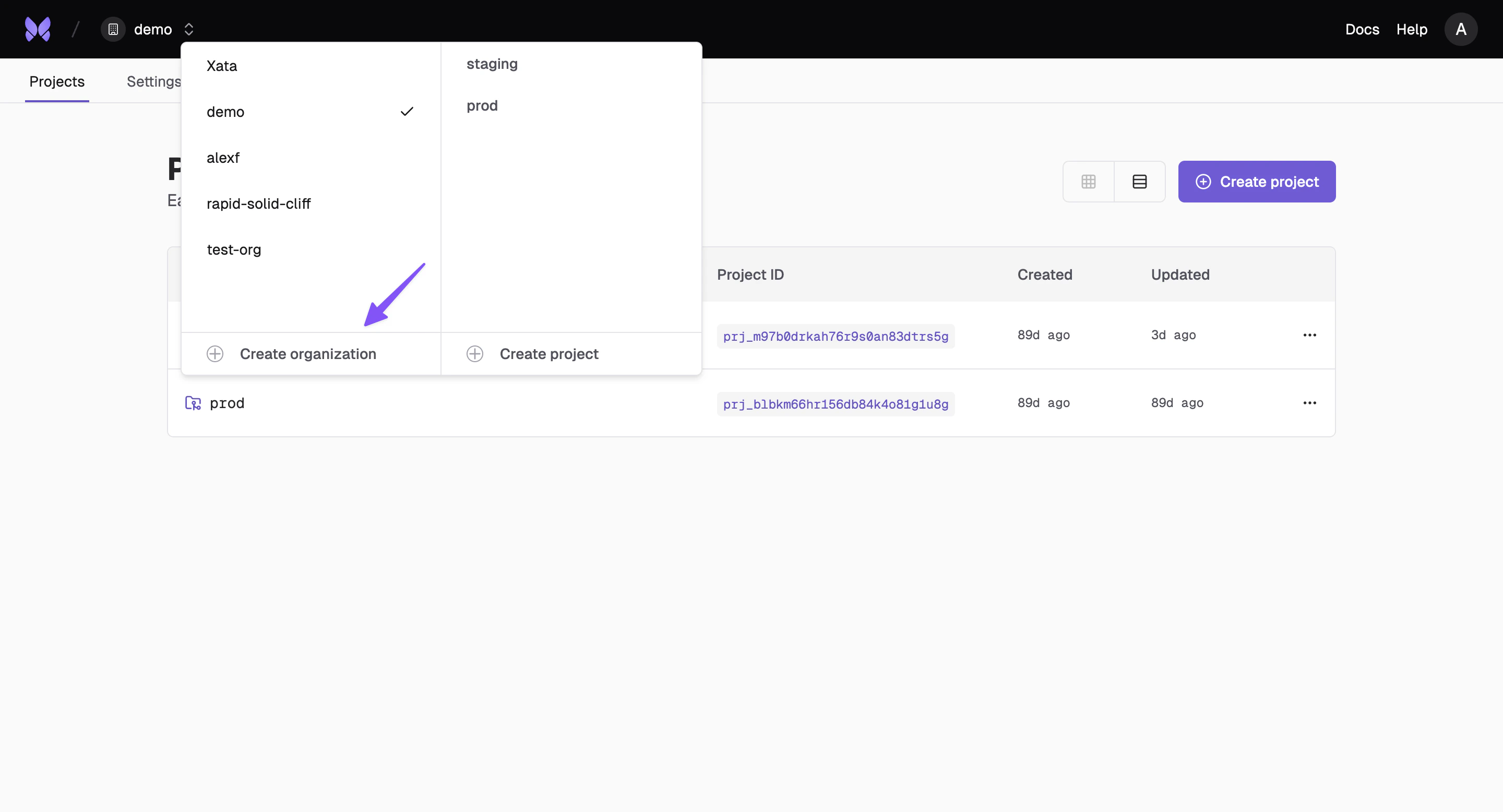
 ## Create an Organization
Set up your organization to start collaborating with your team and managing multiple projects.
## Create an Organization
Set up your organization to start collaborating with your team and managing multiple projects.
 ### From the CLI
Use the Xata CLI to create organizations programmatically:
```bash theme={null}
# Create a new organization
xata organization create --name "My Company"
```
For more CLI commands, see the [CLI Reference](/cli/organization).
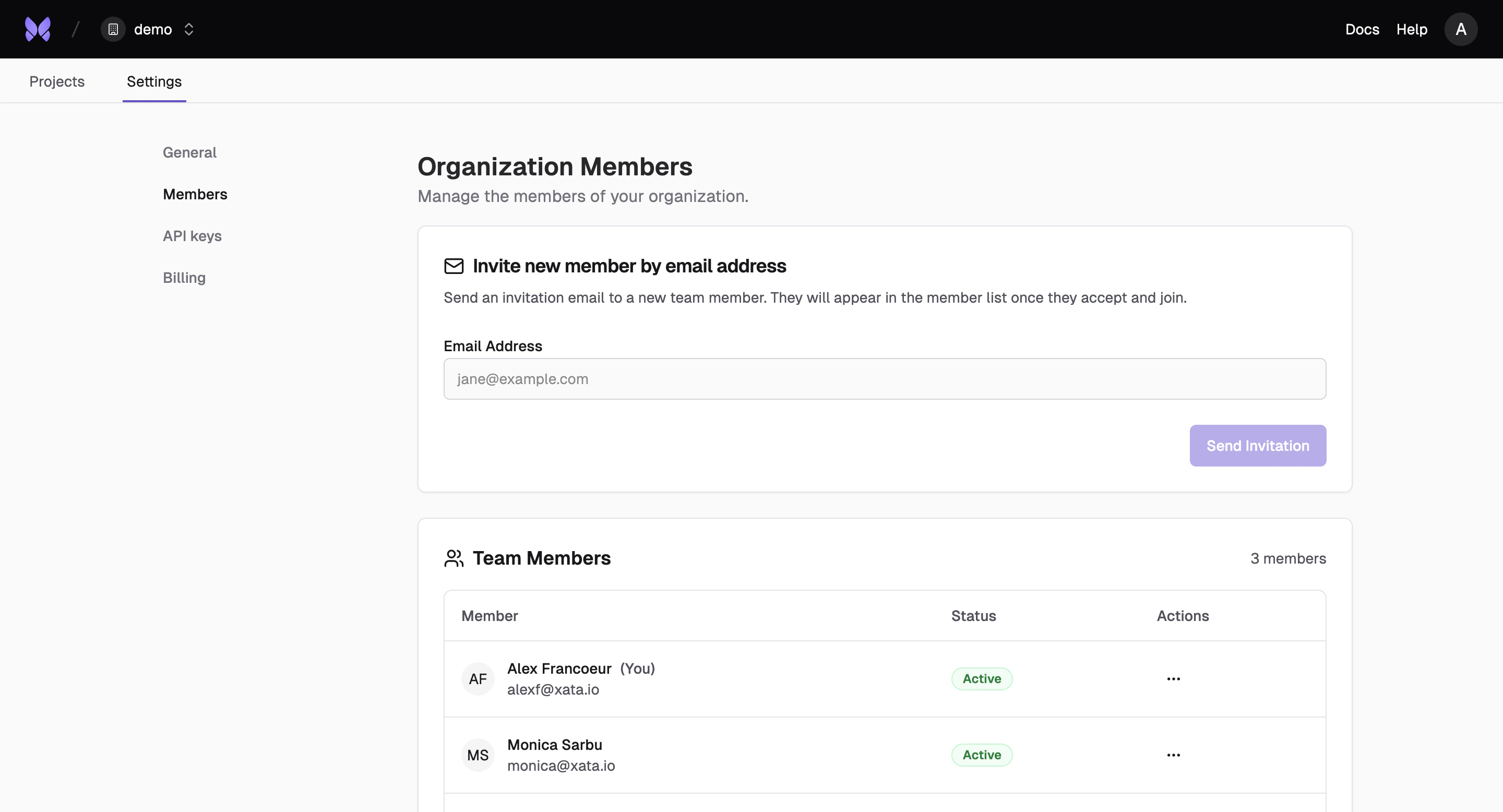
## Invite Members
Add team members to your organization by sending invitation emails.
### From the CLI
Use the Xata CLI to create organizations programmatically:
```bash theme={null}
# Create a new organization
xata organization create --name "My Company"
```
For more CLI commands, see the [CLI Reference](/cli/organization).
## Invite Members
Add team members to your organization by sending invitation emails.
 ### Managing Invitations
You can manage organization invitations through the Console, CLI and API:
* **Send invitations**: Invite users by email to join your organization
* **List invitations**: View all pending and expired invitations with filtering options
* **View invitation details**: Get information about a specific invitation
* **Resend invitations**: Send a fresh invitation email with an extended expiration time
* **Delete invitations**: Cancel an existing invitation
## Organization API Keys
Manage API keys at the organization level for team-wide access and permissions.
### Managing Invitations
You can manage organization invitations through the Console, CLI and API:
* **Send invitations**: Invite users by email to join your organization
* **List invitations**: View all pending and expired invitations with filtering options
* **View invitation details**: Get information about a specific invitation
* **Resend invitations**: Send a fresh invitation email with an extended expiration time
* **Delete invitations**: Cancel an existing invitation
## Organization API Keys
Manage API keys at the organization level for team-wide access and permissions.
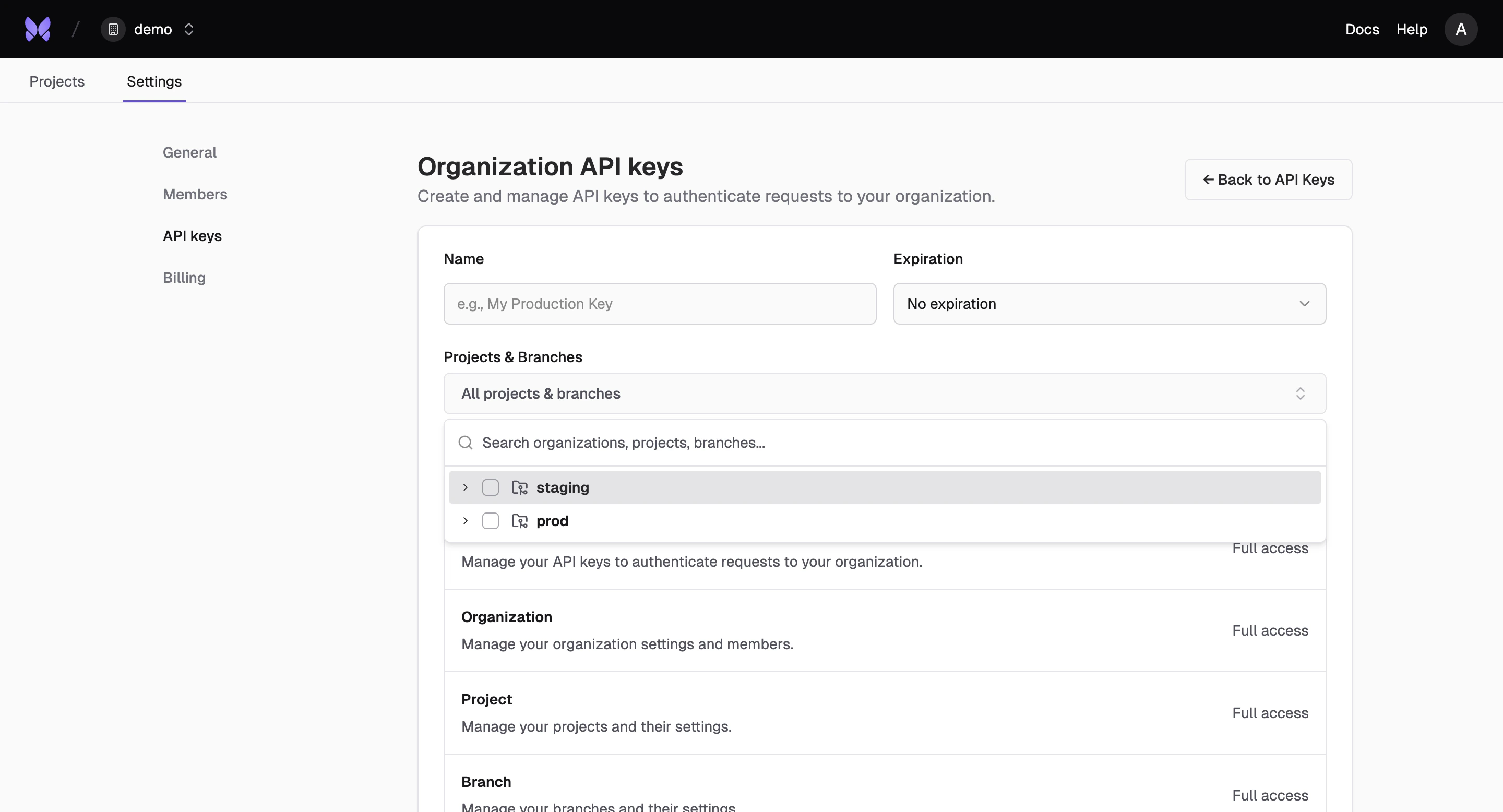 Organization API keys provide centralized access control across all projects and branches within your organization. These keys can be scoped to specific projects, branches, or functionality levels.
For more detailed information about API key management, see [Account API Keys](/platform/api-key).
## Billing
Manage billing and usage across your entire organization with centralized cost tracking and allocation.
Organization API keys provide centralized access control across all projects and branches within your organization. These keys can be scoped to specific projects, branches, or functionality levels.
For more detailed information about API key management, see [Account API Keys](/platform/api-key).
## Billing
Manage billing and usage across your entire organization with centralized cost tracking and allocation.
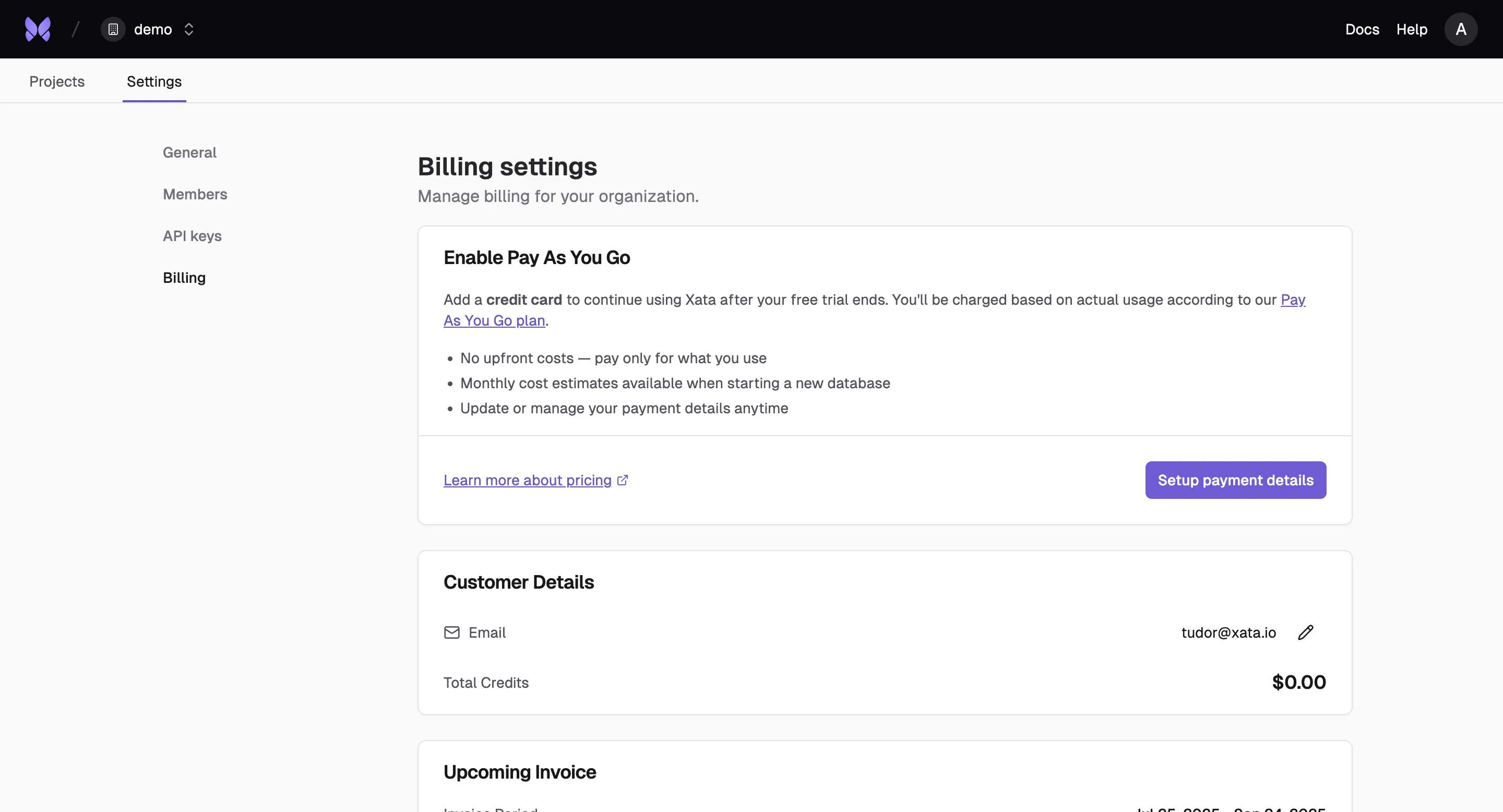 Organization billing allows you to view both upcoming and historic invoices.
## Request Organization Deletion
You can submit a deletion request for an organization through the API. This flags the organization for deletion. Once accepted, the organization is immediately inaccessible.
```bash theme={null}
curl -X POST https://api.xata.tech/organizations/{organizationID}/deletion-request \
-H "Authorization: Bearer $XATA_API_KEY"
```
A successful request returns `202 Accepted`.
The request is rejected with `409 Conflict` if the organization still has active projects or outstanding invoices. Delete or transfer all projects and settle outstanding invoices before requesting deletion.
This endpoint requires an API key with the `org:delete` scope. See [API Keys](/platform/api-key) for details on scoping.
For the immediate destructive variant, use the `DELETE /organizations/{organizationID}` endpoint, or the CLI:
```bash theme={null}
xata organization delete --organization
```
Organization billing allows you to view both upcoming and historic invoices.
## Request Organization Deletion
You can submit a deletion request for an organization through the API. This flags the organization for deletion. Once accepted, the organization is immediately inaccessible.
```bash theme={null}
curl -X POST https://api.xata.tech/organizations/{organizationID}/deletion-request \
-H "Authorization: Bearer $XATA_API_KEY"
```
A successful request returns `202 Accepted`.
The request is rejected with `409 Conflict` if the organization still has active projects or outstanding invoices. Delete or transfer all projects and settle outstanding invoices before requesting deletion.
This endpoint requires an API key with the `org:delete` scope. See [API Keys](/platform/api-key) for details on scoping.
For the immediate destructive variant, use the `DELETE /organizations/{organizationID}` endpoint, or the CLI:
```bash theme={null}
xata organization delete --organization
```