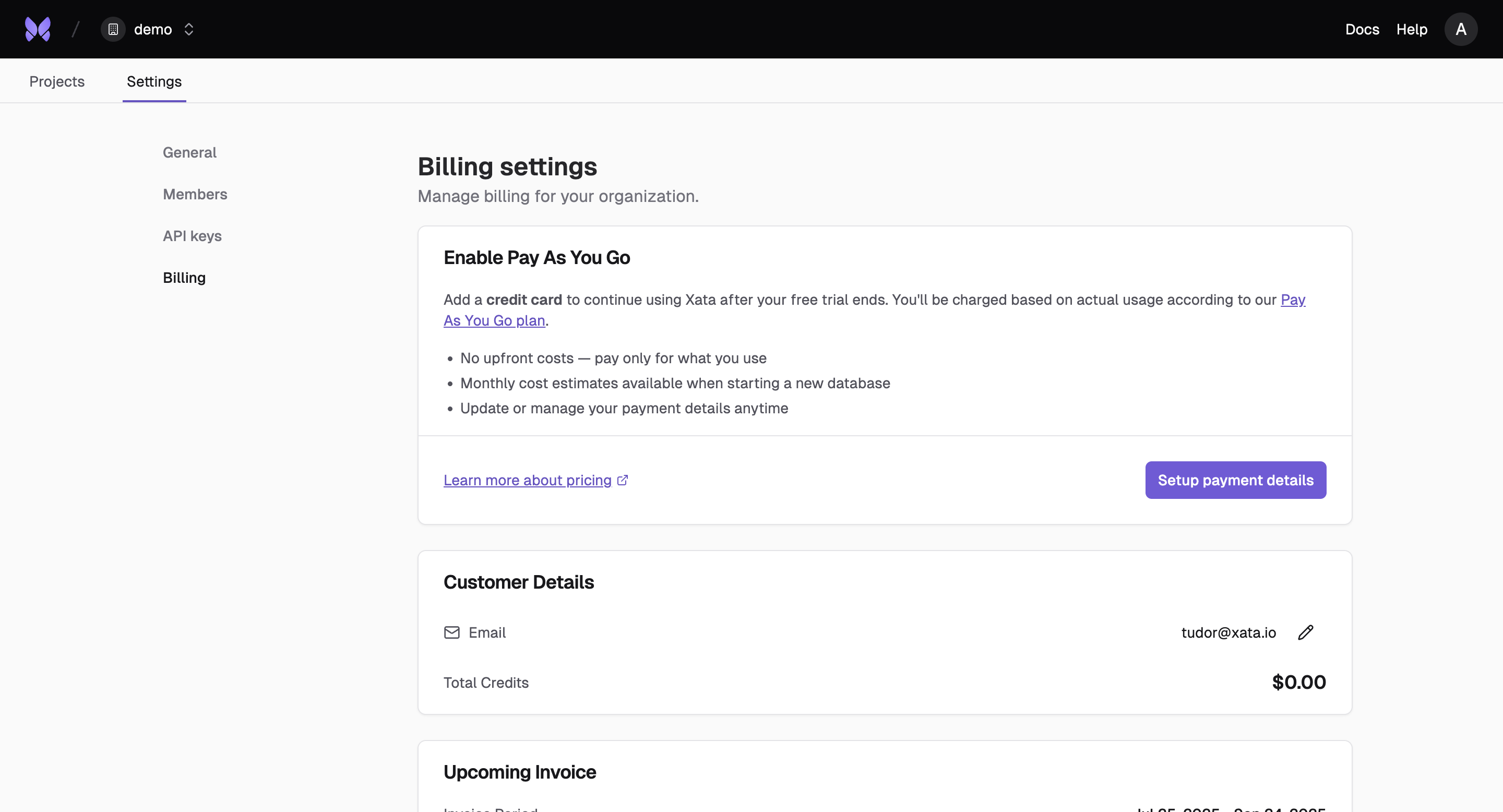
What is an Organization?
An organization is a hierarchical structure that supports multiple projects, each with their own database and branches. You can invite members to an organization and projects, and this is the entity you are billed on.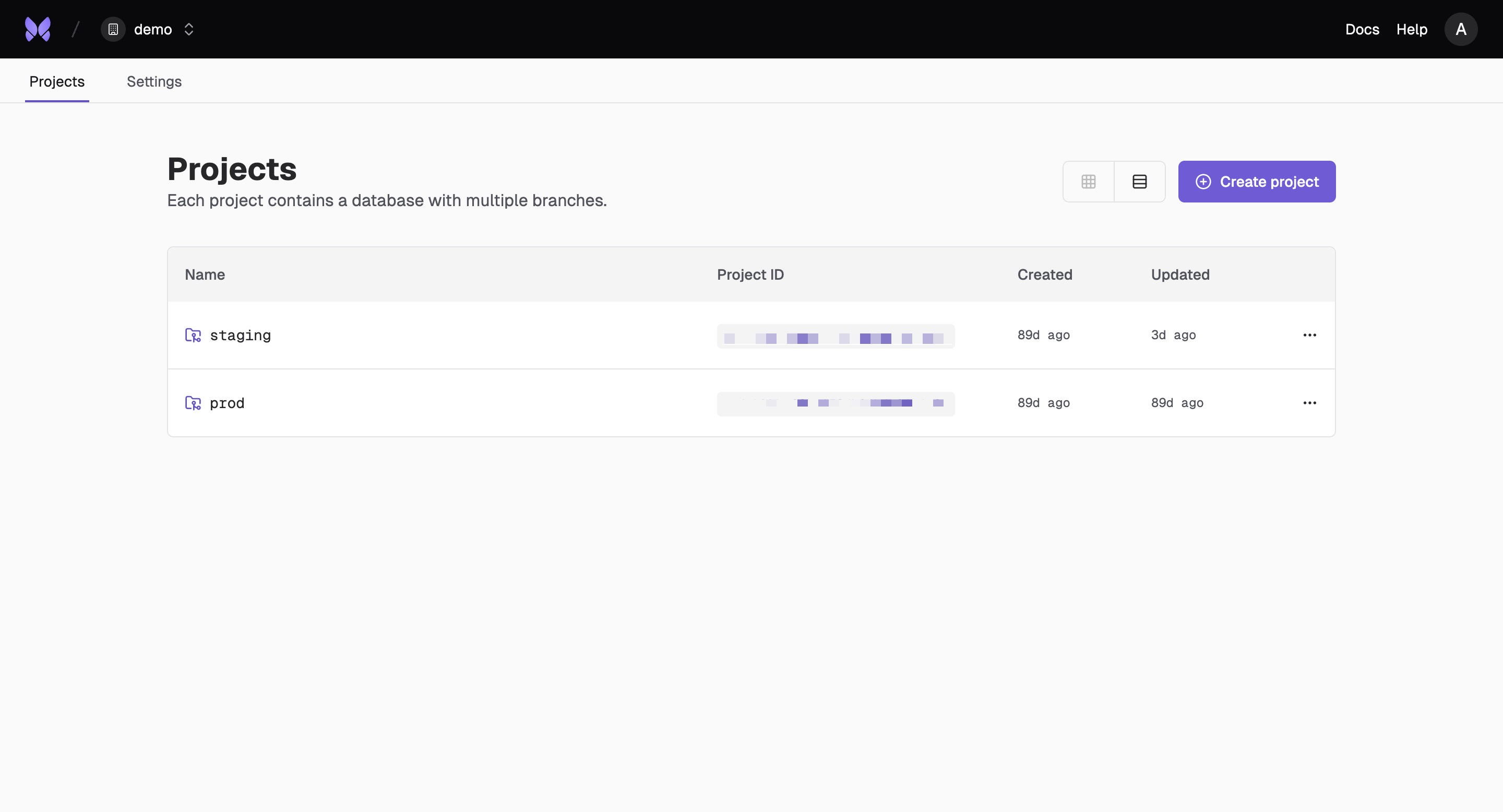
Create an Organization
Set up your organization to start collaborating with your team and managing multiple projects.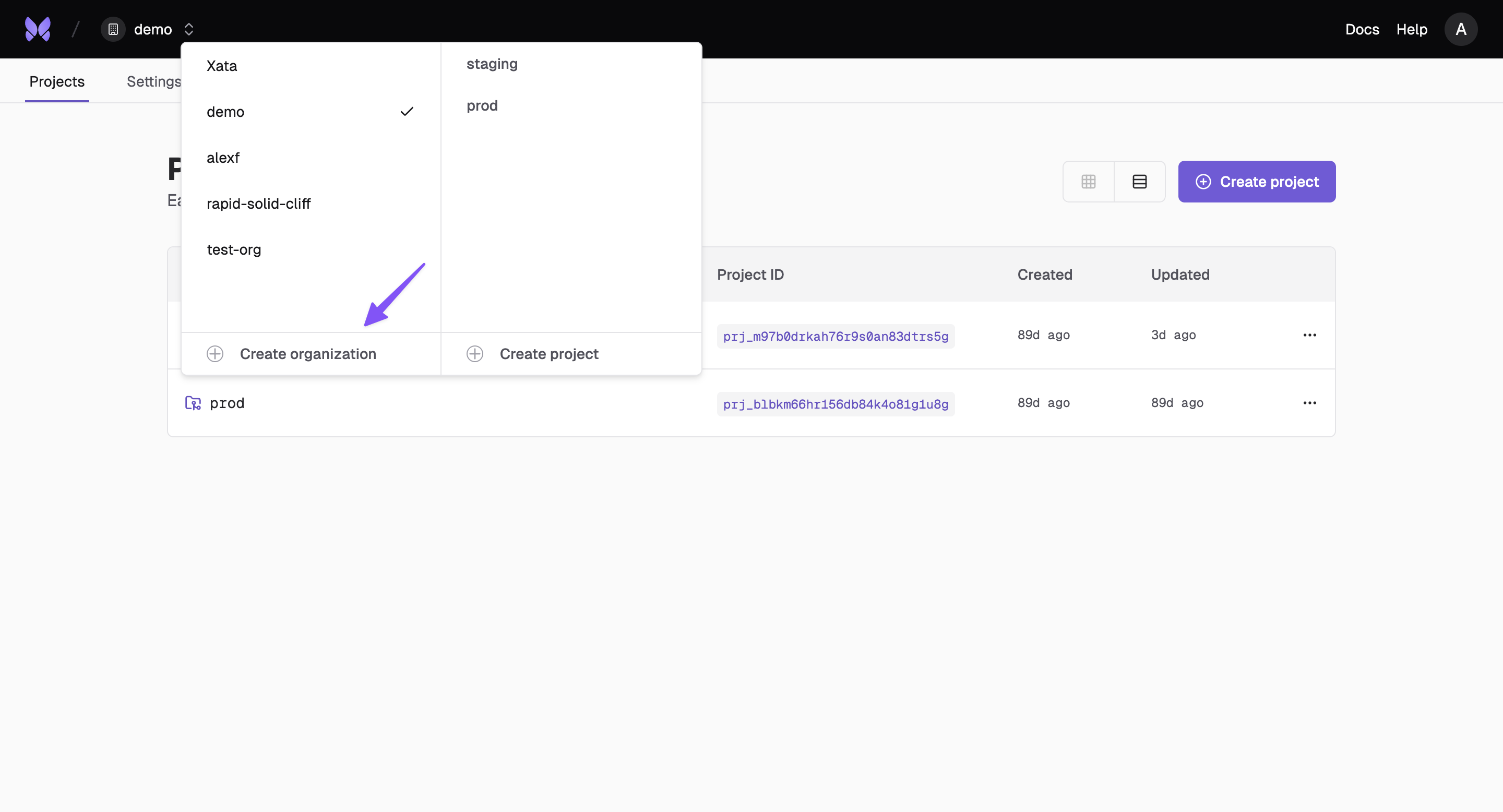
From the CLI
Use the Xata CLI to create organizations programmatically:Invite Members
Add team members to your organization by sending invitation emails.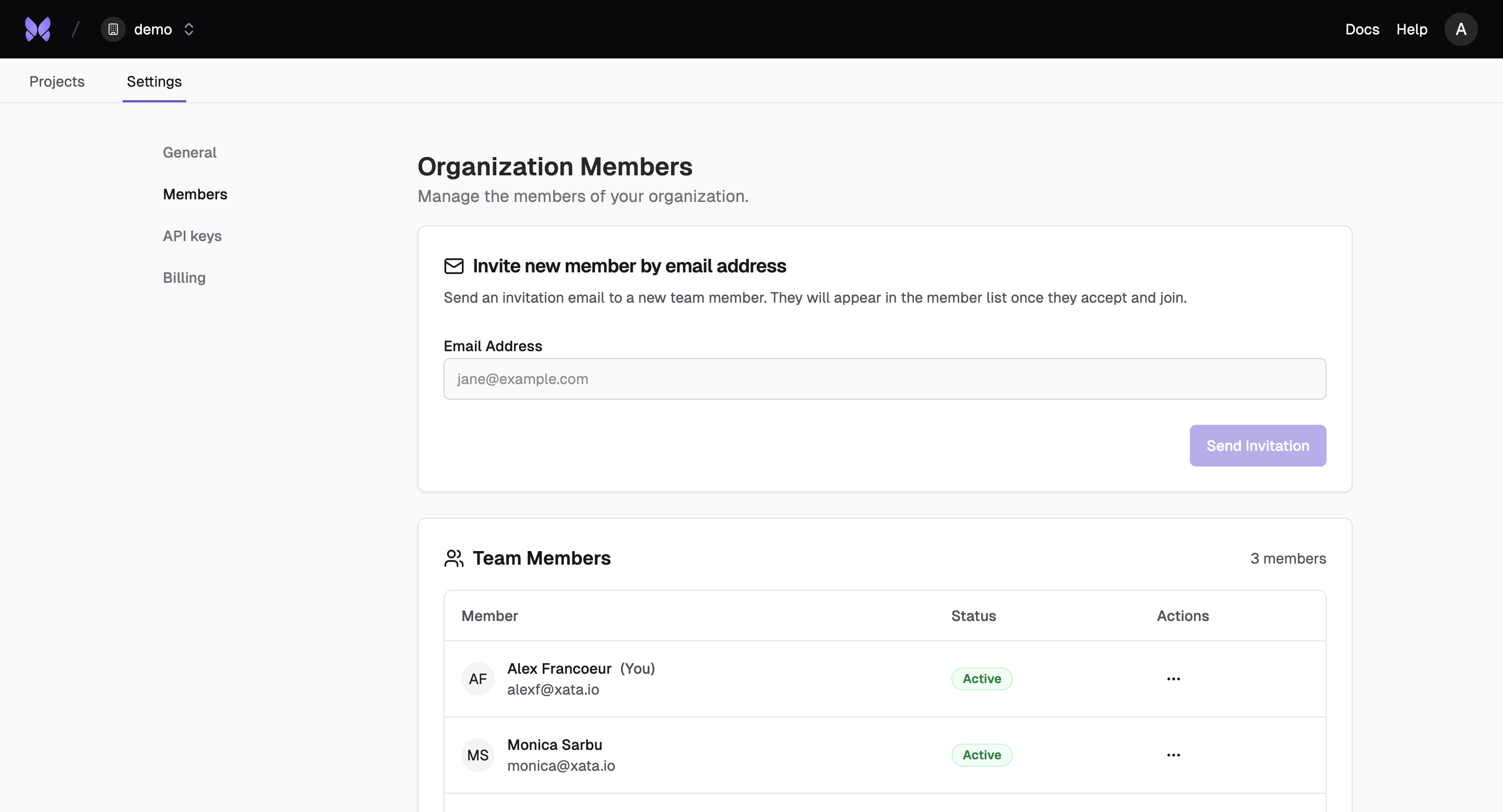
Managing Invitations
You can manage organization invitations through the Console, CLI and API:- Send invitations: Invite users by email to join your organization
- List invitations: View all pending and expired invitations with filtering options
- View invitation details: Get information about a specific invitation
- Resend invitations: Send a fresh invitation email with an extended expiration time
- Delete invitations: Cancel an existing invitation
Organization API Keys
Manage API keys at the organization level for team-wide access and permissions.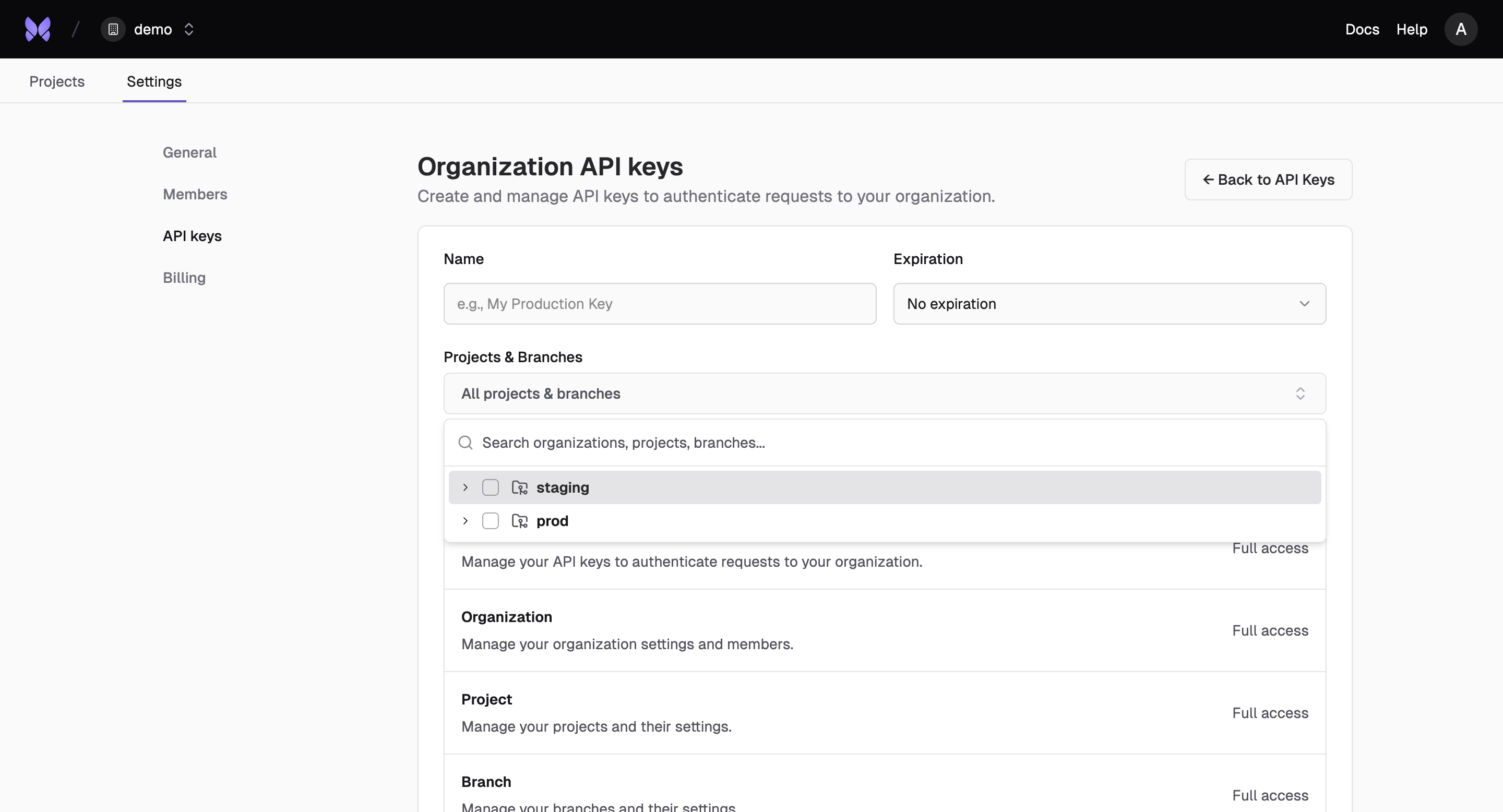
Billing
Manage billing and usage across your entire organization with centralized cost tracking and allocation.